Roster Planning
Ensuring that positions are reliably filled – whether in the fire service, the ambulance service or within a company – is the foundation for operational readiness and smooth business processes. Until now, staff planning was not directly integrated into GroupAlarm, which often involved lengthy, external processes.
With the new staff planning feature, we are integrating a structured, digital process directly into GroupAlarm: from a demand-oriented approach through to participant feedback and binding allocation.
Practical examples: Where Roster Planning comes into play
The requirements for staff planning vary depending on the type of organisation. The feature is designed to cover both one-off events and shift work.
1. Shift work with fixed roles
At a full-time fire station, an ambulance station or in plant security, shifts must be staffed not only by time slot but also according to specific roles. A shift is only ready for deployment once every role has been filled.
- In a fire station: For a 24-hour shift, 1 vehicle driver, 1 engine operator and 4 crew members (at least 2 of whom must be breathing apparatus wearers) are required.
- At a Company: In a three-shift production system, each shift must be staffed by 1 shift supervisor, 2 plant operators and 1 first-aider.
2. One-off assignments / special duties
In addition to regular operations, there are often one-off assignments for which staff must be requested at short notice or on an ad hoc basis.
- In the blue light sector: Providing security for a major event, medical support at a local fun run, or staffing one-off shifts during operations lasting several days.
- For business operations: peak demand for plant maintenance outside regular working hours or stock-taking teams at weekends.
The process in three steps
Roster planning is divided into three sequential phases:
Planning: defining templates and requirements
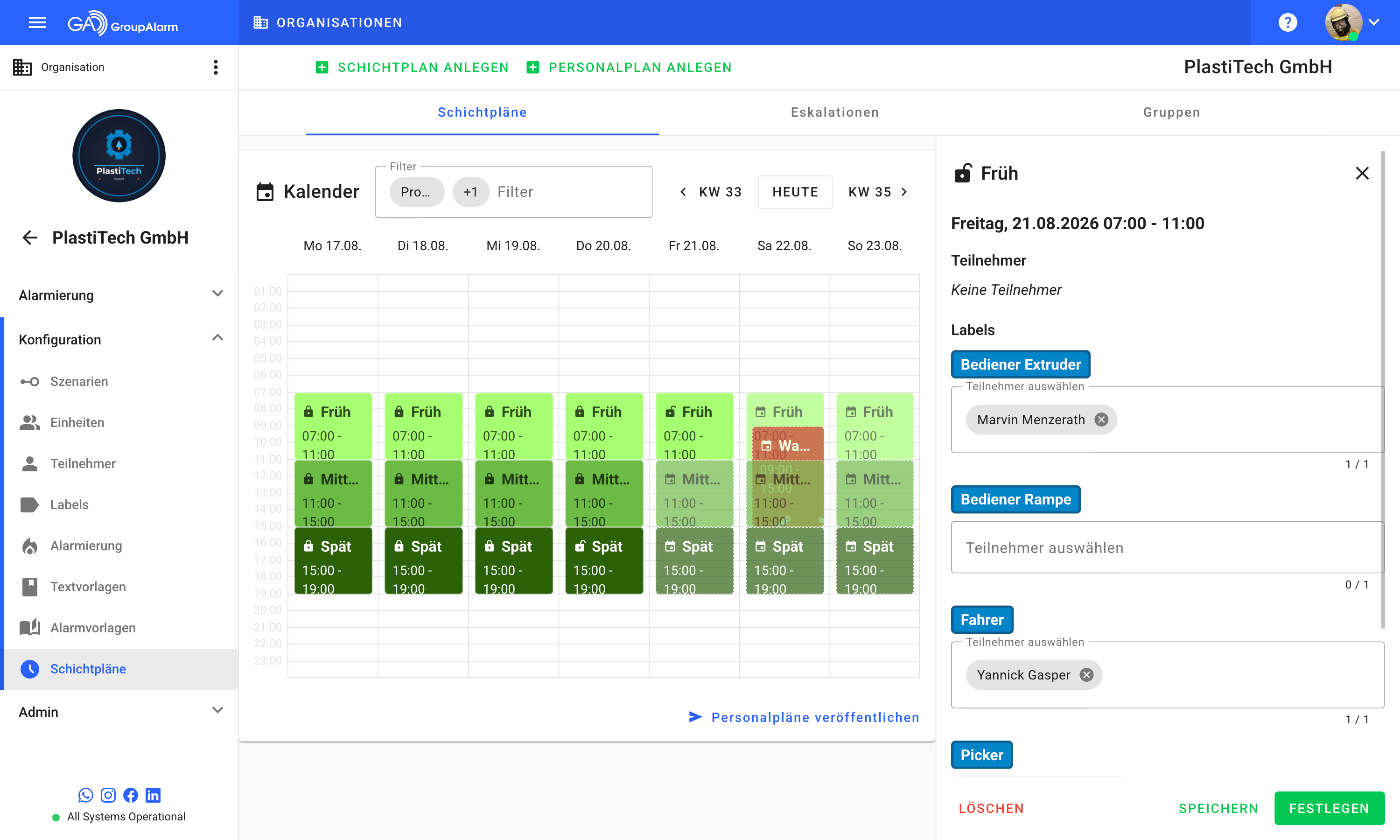
Admins create templates in a staff plan for recurring shift patterns or one-off events. Rather than entering specific individuals straight away, requirements are defined using labels – i.e. qualifications – and the number of staff required (e.g. 3 breathing apparatus wearers or 2 first aiders). It is also possible to send direct requests to participants.
Publishing: Checking availability
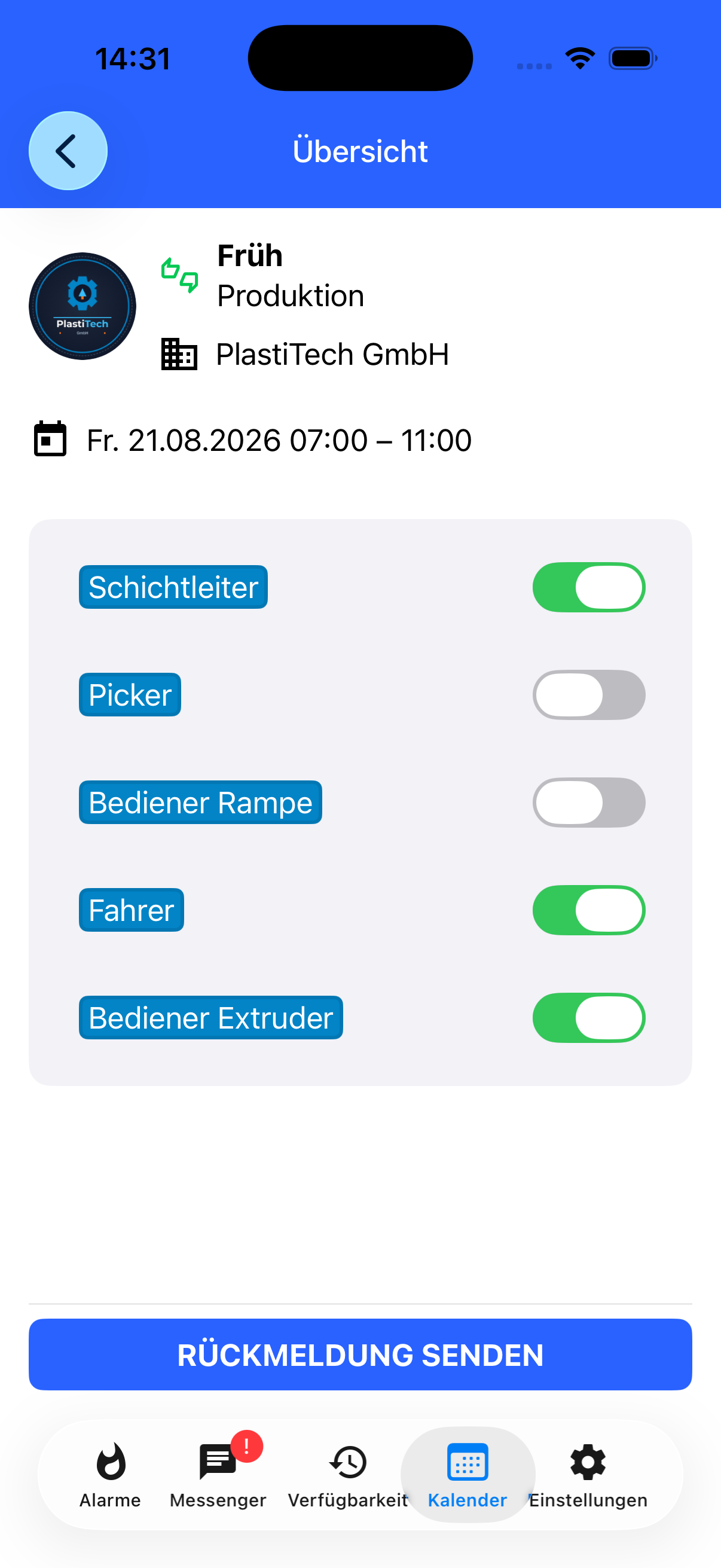
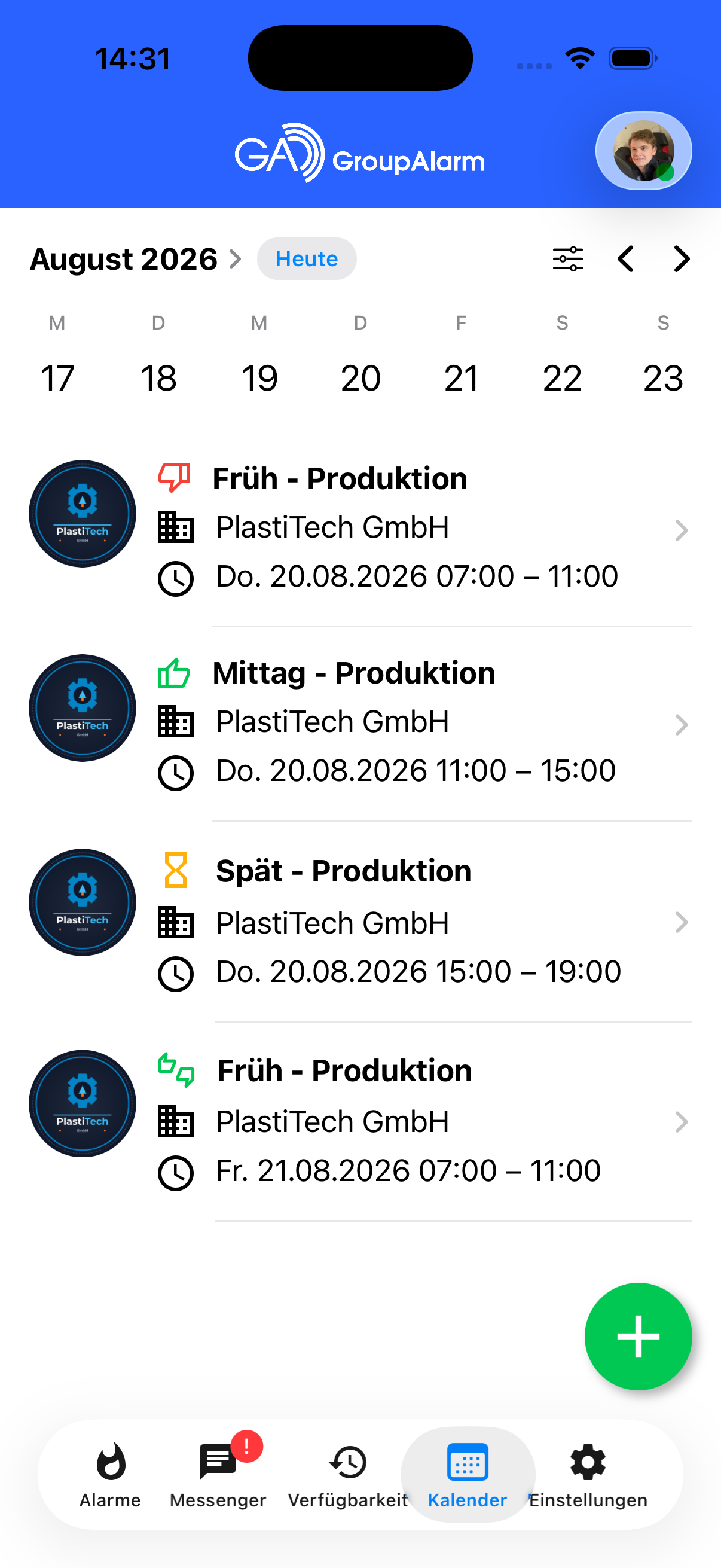
As soon as a template is published for a specific date, GroupAlarm notifies suitable participants via the app. They can then respond and indicate their availability for each requested label. This allows them to accept specific roles whilst declining others. Personal invitations can only be accepted or declined.
Finalising: Assigning participants
In the calendar overview, the planner views the responses and makes binding assignments to the positions (labels) to be filled from the pool of available staff. Once the schedule is finalised, all participants who have reported their availability receive a notification via the app regarding their acceptance or decline.
The new module is now available as a feature extension within the free ‘Shift Plan’ module in GroupAlarm.


